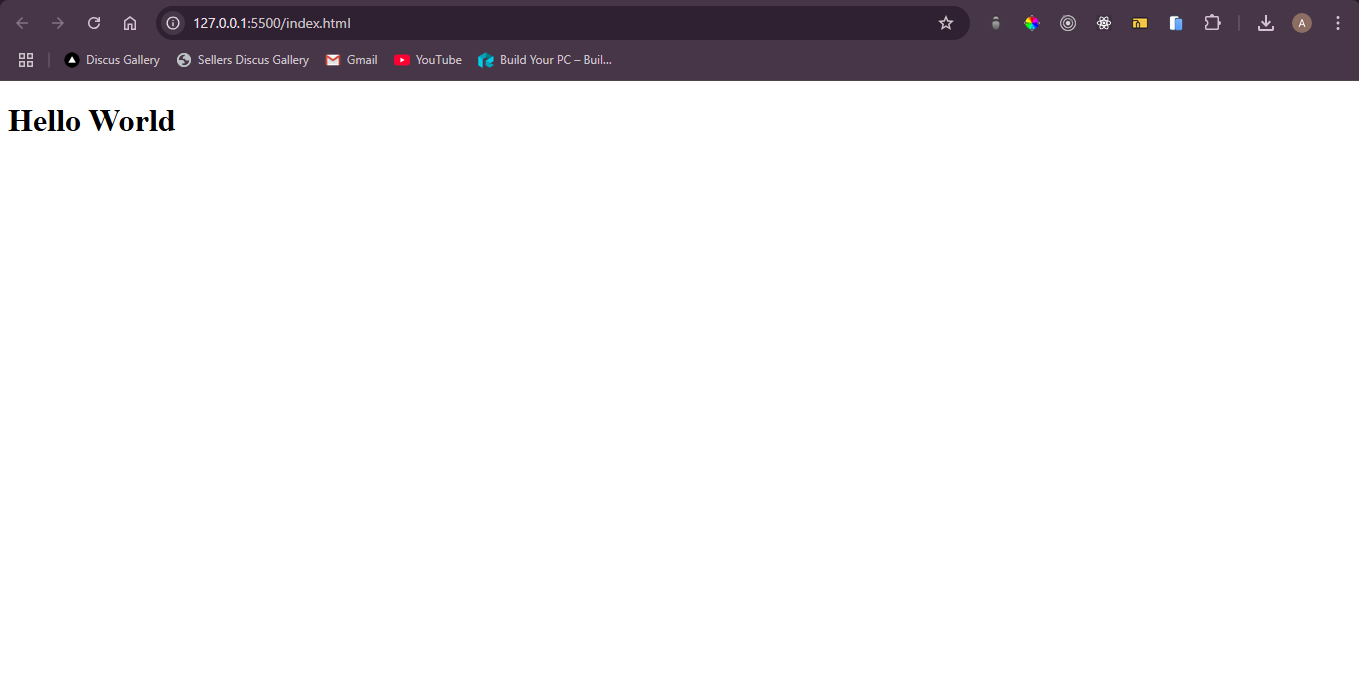
How to create first webpage
How to create Web page
- First open editor of your wish e.g vscode , subline text , notepad , etc...
- Create a file , name it what you want , i'll be name for my file is index and extension .html , e.g index.html
- Once the file is created , you can paste following code into that file and save file
- if your using vs code , you can use extension called live server , to open file in browser
- if your not using vs code , simply go to where the file is save double click on or open with browser of your choice , file willl open in browser
- You have succesfully created your first page
1<!doctype >
2<html lang="en">
3 <head>
4 <meta charset="UTF-8" />
5 <link rel="icon" type="image/svg+xml" href="/vite.svg" />
6 <meta name="viewport" content="width=device-width, initial-scale=1.0" />
7 <title>Vite + React</title>
8 </head>
9 <body>
10 <h1>Hello World</h1>
11 </body>
12</html>
13output :